Morrisson
1 seat
$29
One-time payment, plus applicable taxes.
-
Native app for macOS, Windows and Linux
-
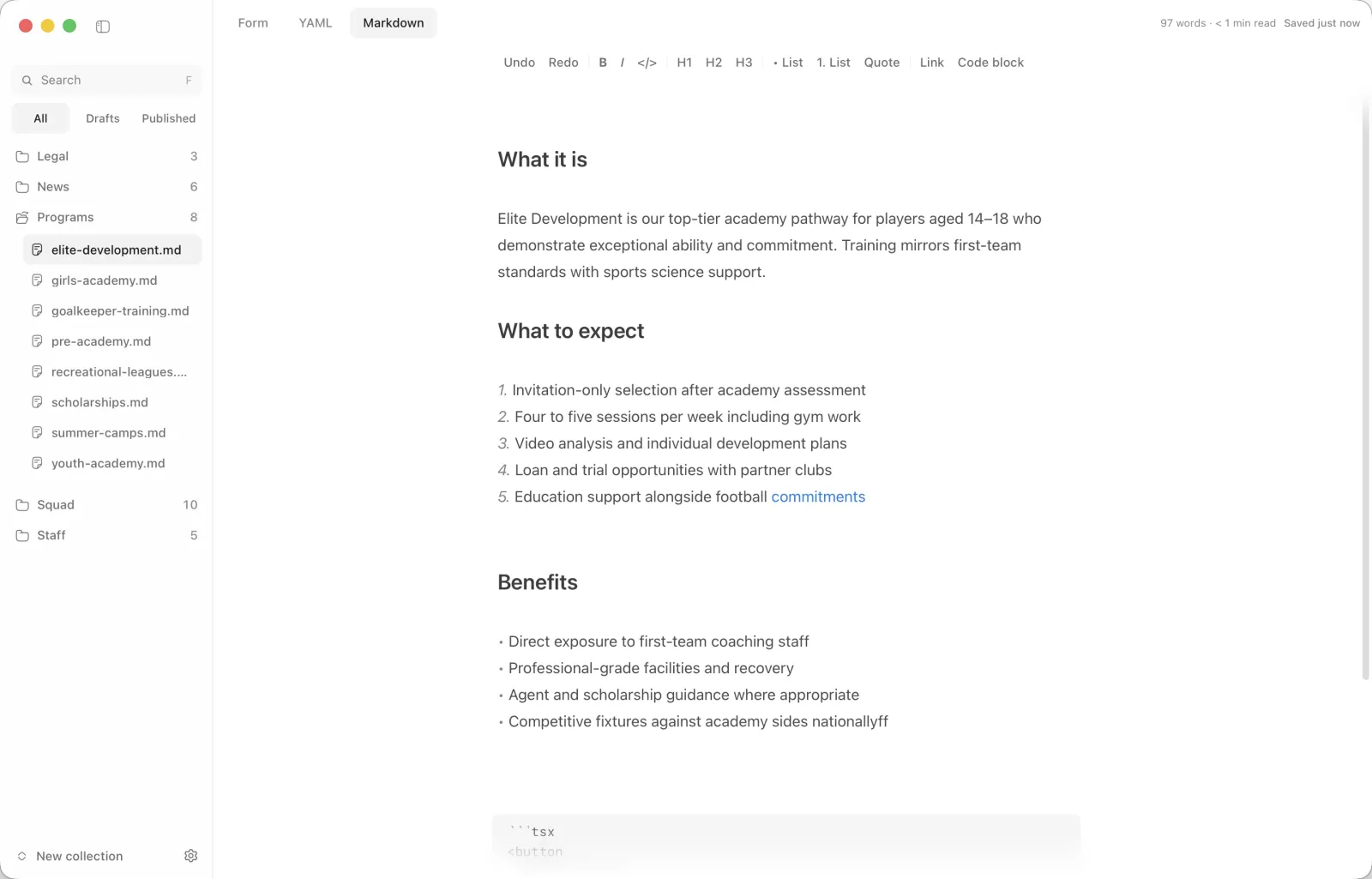
Frontmatter forms and Markdown editor
-
Publish with preflight, no terminal
-
Lifetime access and updates
Lightweight native app for macOS, Windows, and Linux (~15 MB).
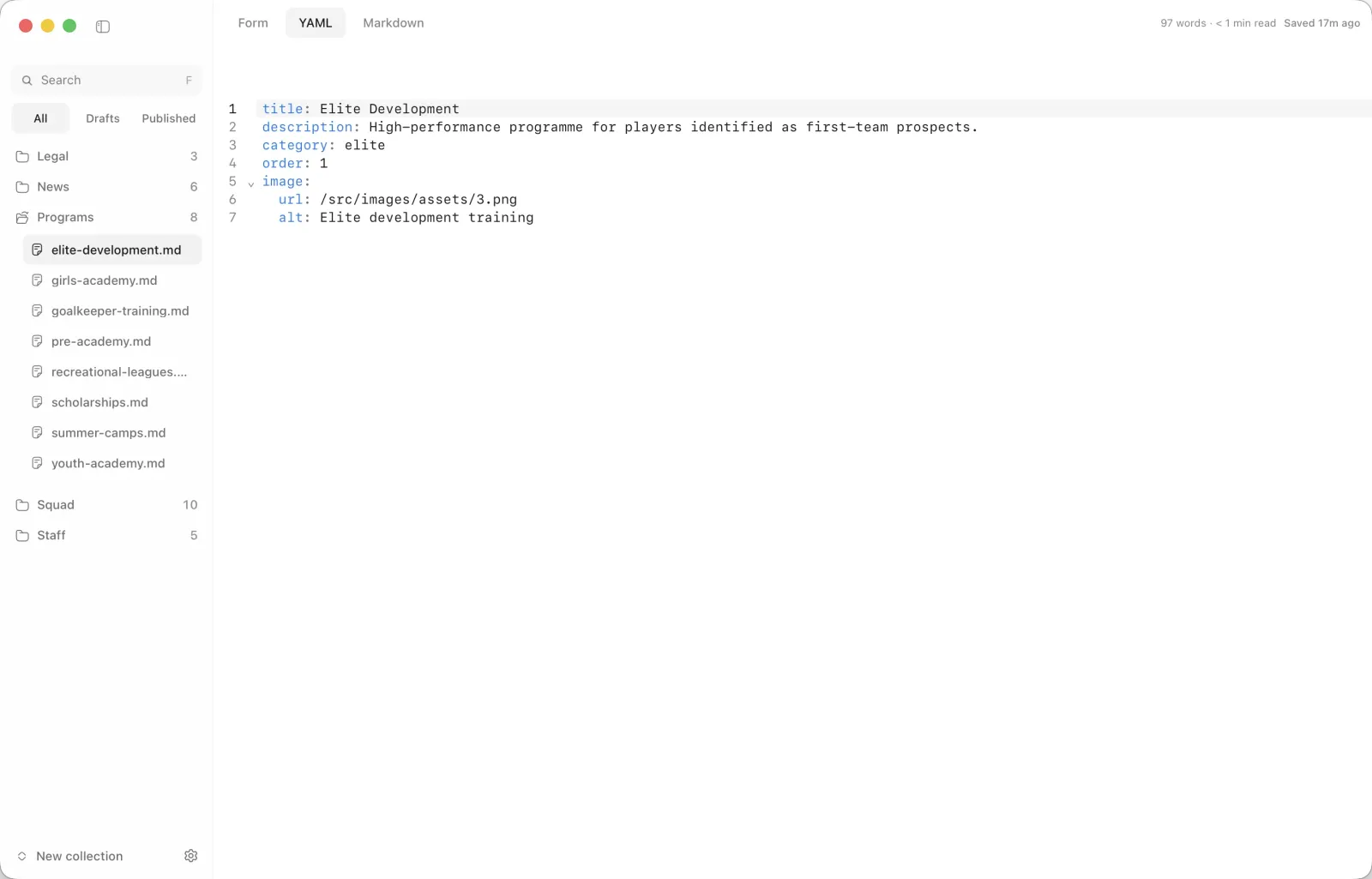
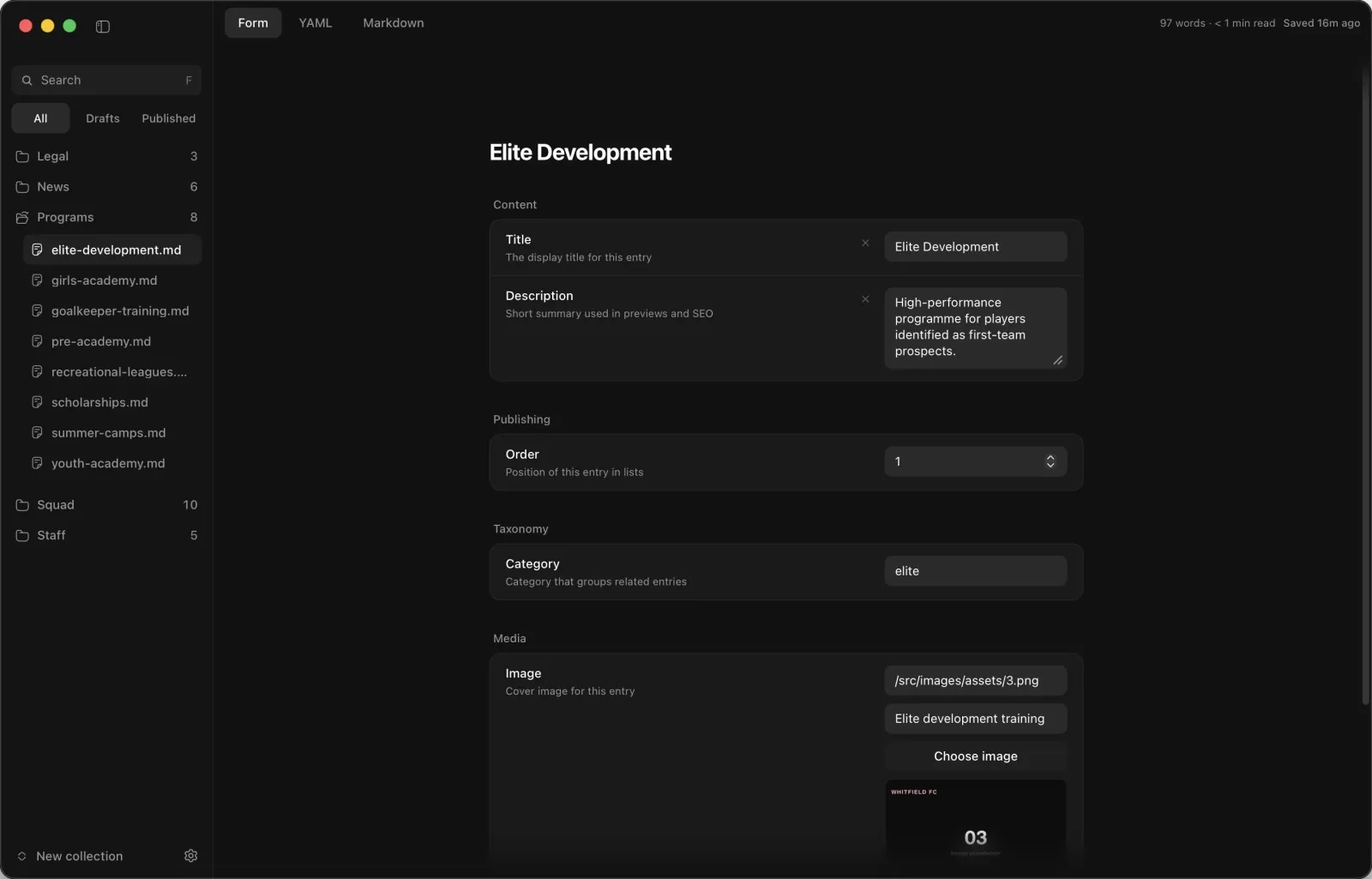
Update frontmatter with simple fields instead of hand-editing YAML, then switch to raw YAML whenever you need full control.
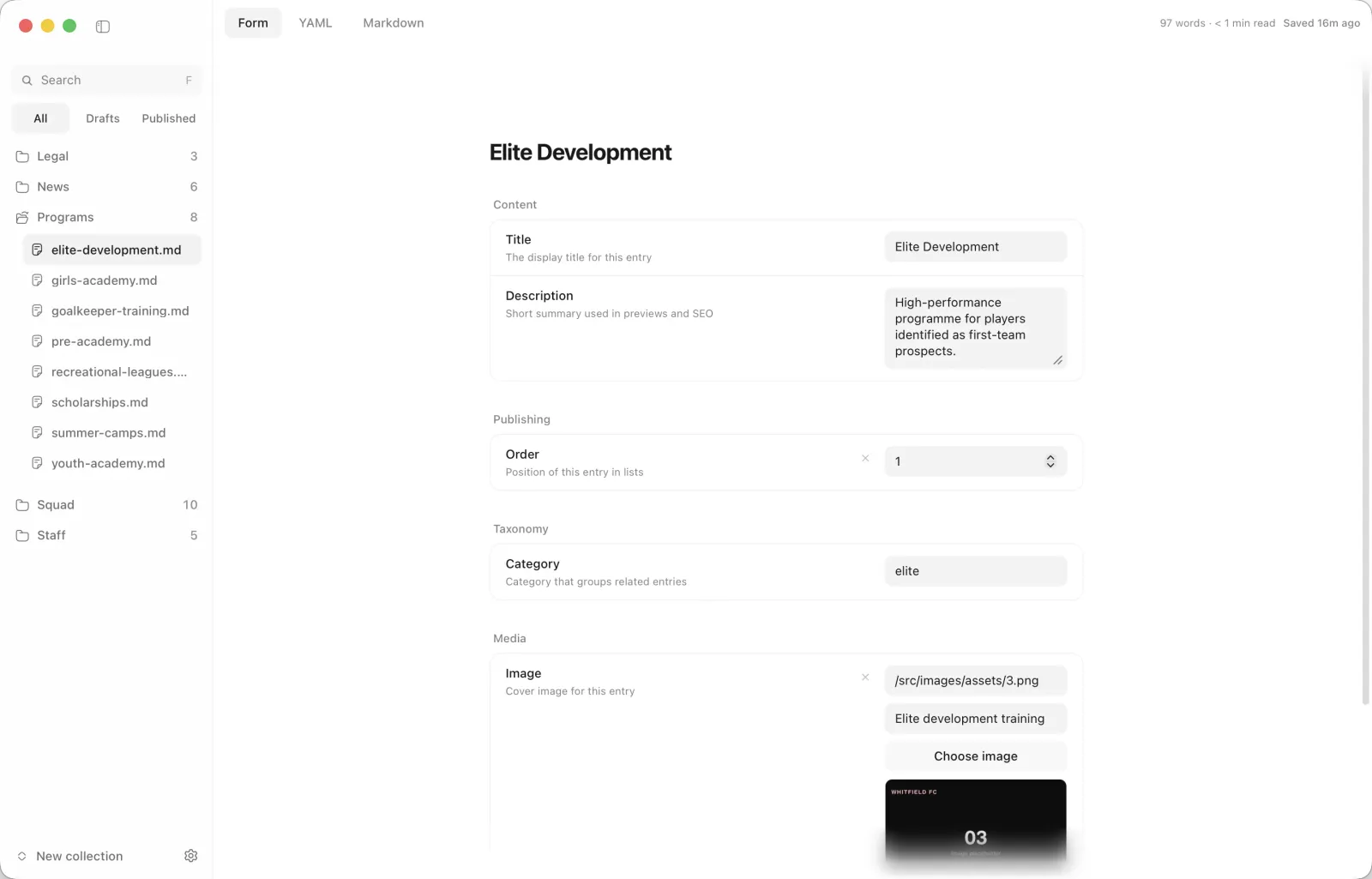
Update frontmatter with simple fields instead of hand-editing YAML, then switch to raw YAML whenever you need full control.
Schema-aware inputs for strings, dates, booleans, and nested objects
Human-readable field labels, pubDate becomes “Pub Date”, url becomes “URL”
Tag combobox with autocomplete from tags already used in your collection
Frontmatter image upload: pick a file, choose the folder, auto-fill URL and alt text
Live image previews and an optional optimize toggle per image field
Toggle between Form and YAML without losing your place
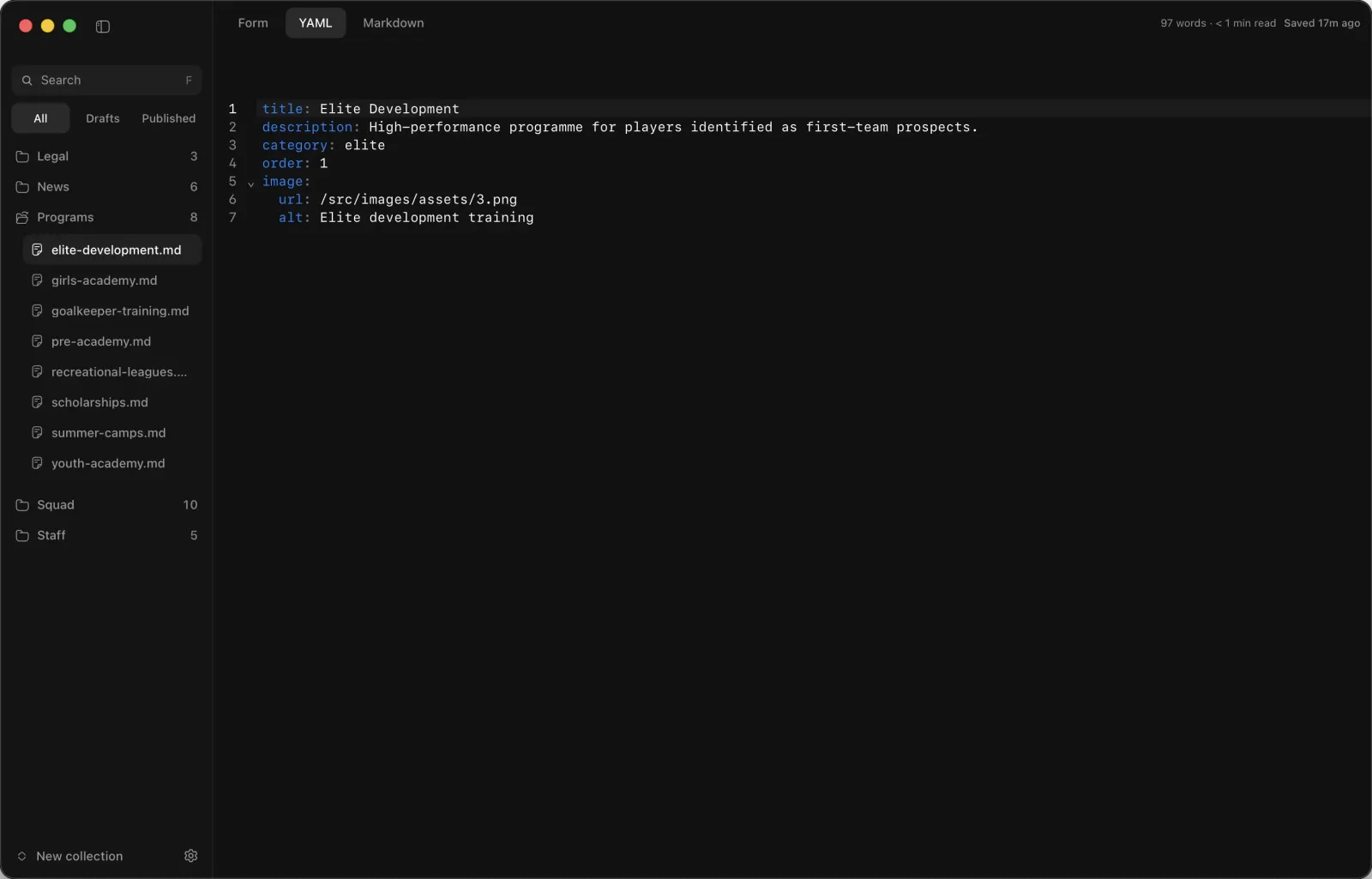
Use guided inputs for structured fields, write the body in Markdown, and drop into YAML for advanced edits, all in the same entry.
Details tab for frontmatter with Form and YAML sub-views
Markdown tab with formatting toolbar, spellcheck, and the same image optimize toggle as Details
Drag-and-drop or paste images into the body, saved to your project with the link inserted
Internal link autocomplete while you type
Word count and reading time in the editor footer
Find-and-replace across the whole project (⌘⇧F)
Manage content files directly from the sidebar. Create new entries, rename files, move deletes to Trash, and jump back in time with per-file history.
Collapsible sidebar, hide the file tree to focus on writing; state persists per project
Duplicate, rename, and delete from hover actions on each file row
Draft and missing-field hints in the sidebar, amber for drafts, red for schema gaps
Collection menu for new files; Trash with restore and empty
Per-file history: preview, restore, or clear snapshots
Conflict prompts when a file changed on disk, nothing silent overwrites your work
Changes save in the background with a clear status, required checks run before you ship, then publish with a suggested message and file list. Toasts surface issues in plain language.
Debounced autosave with a “saved” badge instead of hunting for Save
Preflight before publish (title, dates, required fields, and more)
Publish with an editable message and changed-file list; auto-append .gitignore rules for .morrisson/ metadata folders
Friendly errors and toasts; merge-style prompts when content changed out of band
Fits teams that already use Git for Astro projects
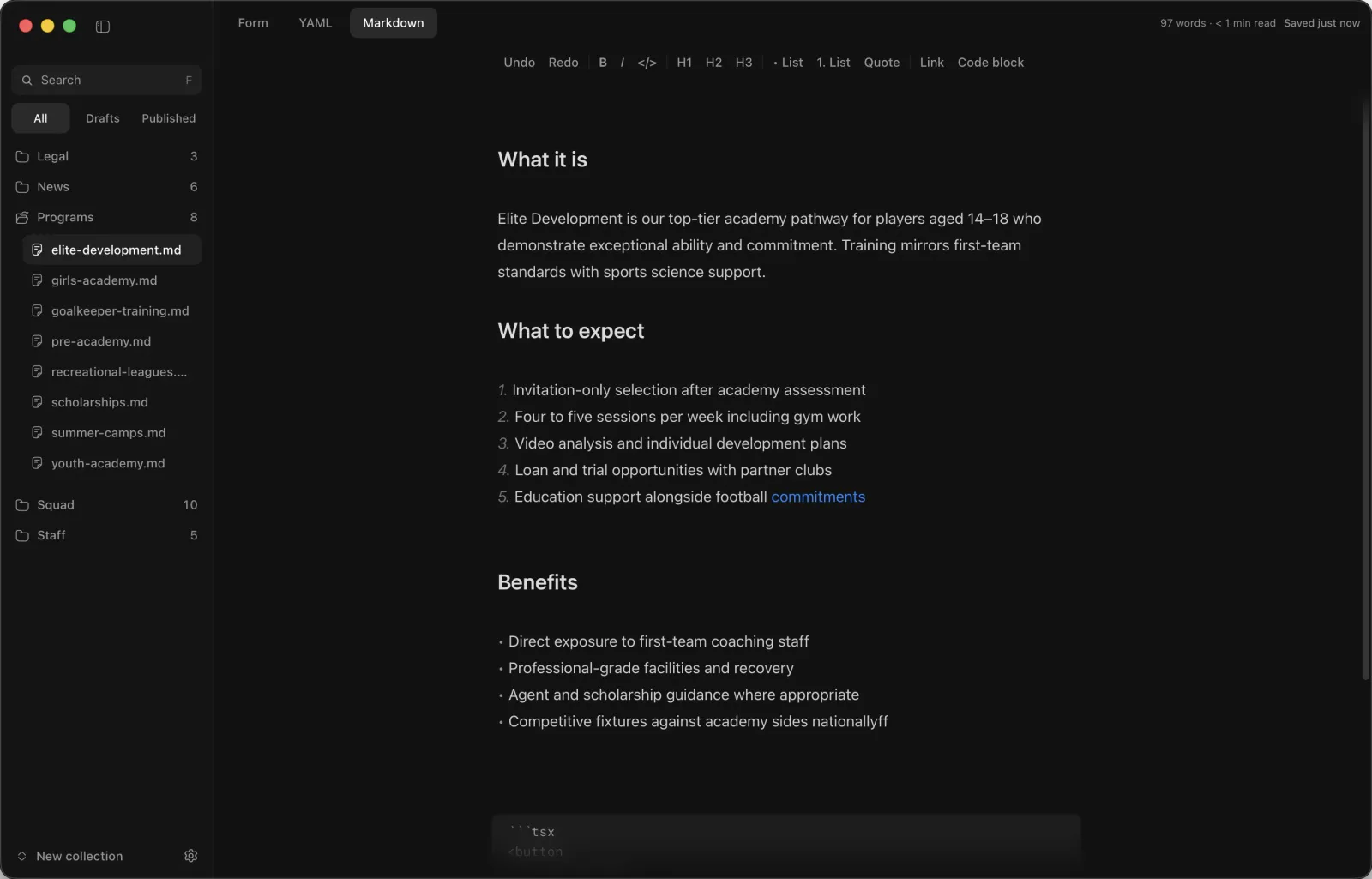
Choose light, dark, or system appearance to match your setup, or reduce eye strain during late-night editing sessions.
Light, dark, and system modes from the app menu
Cycle themes instantly with ⌘⇧D
Consistent with the rest of the desktop shell
Native app for macOS, Windows, and Linux (~15 MB)
Pick up where you left off, close dialogs quickly, and get local preview running even when node_modules is missing.
Unified app menu, preview, publish, updates, appearance, and shortcuts in one place
Press ? for a keyboard shortcuts cheat sheet
Recent projects on launch; remembers your last file, sidebar, and image folder per project
Local preview can offer npm install when dependencies are missing
Escape closes modals; runs on macOS, Windows, and Linux
1 seat
$29
One-time payment, plus applicable taxes.
Native app for macOS, Windows and Linux
Frontmatter forms and Markdown editor
Publish with preflight, no terminal
Lifetime access and updates
“Damn, they actually look super nice!”

Jonny Burger
Founder of Remotion.dev
“Michael has been dropping some amazing premium themes for Astro lately.”

Fred Schott
CEO of Astro.build
“Chief, nice work.”

Guillermo Rauch
vercel.com
“Love the design work”

Steve Ruiz
Founder at tldraw.com